Paper or app: which to-do list should you use?
The short answer
Paper is faster, calmer and more satisfying to cross off; an app can remind you, repeat tasks, share lists and never get lost. Many people use both: the app holds everything with a date or another person, and a short paper list holds today.
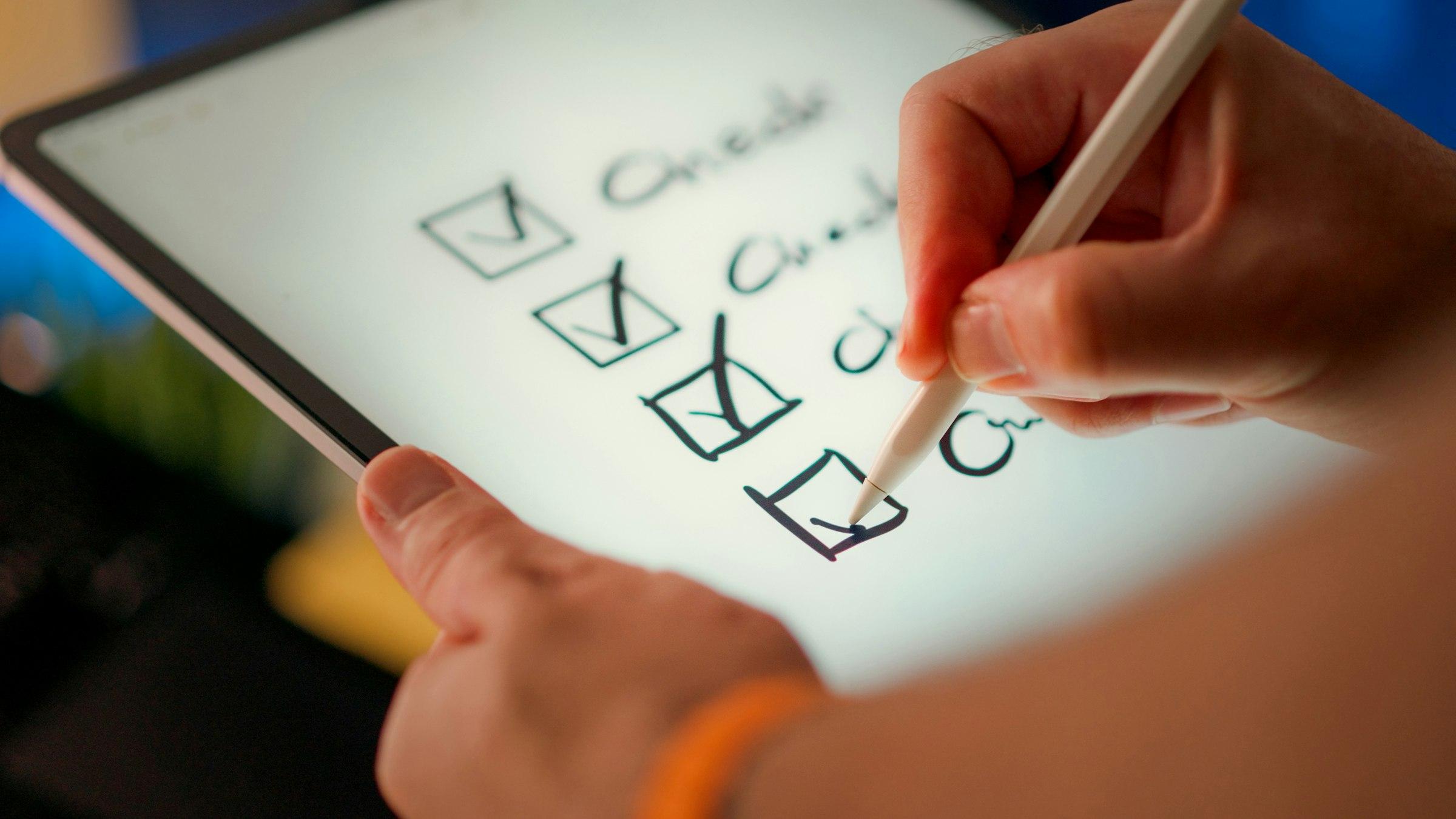
Is a paper to-do list better than an app?
Neither is better for everyone. Paper is quicker to write, free of notifications and gives a real sense of crossing off. Apps remind you at the right time, repeat tasks automatically, sync between devices and let you share lists. The right choice is the one you will open every day, and for many people that means both.
| Paper | App | |
|---|---|---|
| Speed to write a task | Instant: pen and page | Fast once the app is open; voice and quick-add help |
| Reminders at a time or place | No: you have to look | Yes |
| Repeating tasks | Rewrite them by hand | Set once, repeat forever |
| Sharing with others | Only by handing it over | Yes, in most apps |
| Search and history | Flip through pages | Search everything instantly |
| Backup | One copy; lose it and it is gone | Synced to the cloud |
| Distraction | None: a page has no notifications | Your phone has everything else on it |
| Layout freedom | Total: sketch, circle, draw arrows | Limited to the app's design |
| Crossing off | A real pen stroke | A tap (some apps animate it) |
When is a paper to-do list the better choice?
Paper wins when you need focus and a small, finite list: planning the day, a meeting, a trip or a workshop. A page has no notifications, holds only what fits, and makes every unfinished task visible when you turn to a fresh one. It also suits people who think by sketching, circling and drawing arrows.
The best-known paper system is the Bullet Journal, designed by Ryder Carroll: a single notebook with an index, a future log, monthly and daily logs, and short bulleted entries. Its clever habit is migration: at the end of a month you copy unfinished tasks forward by hand, and anything not worth rewriting gets dropped.
When is a to-do list app the better choice?
An app wins when tasks have dates, repeats, places or other people attached. It can remind you at 9 a.m. or when you reach the shop, bring back the rent every month, share a shopping list with your household, and find any task in a second. It is also backed up, so a lost phone does not mean a lost list.
If you go digital, choose by your devices first; our to-do list apps comparison covers eight, and free to-do list apps shows what each free plan includes.
How do you use paper and an app together?
Let the app be the master list and the paper be today. Everything with a date, a repeat or a person goes in the app, which reminds you. Each evening or morning, copy only today’s few tasks onto a card or notebook page, work from that, then tick the app to match before you stop.
- Morning: open the app, choose three to six tasks, write them on paper.
- During the day: capture new tasks on the same page; do not open the app for each one.
- Evening: transfer new tasks into the app, tick what is done, and choose tomorrow’s list.
How do you decide between paper and an app?
Run a two-week test. For one week, keep everything on paper; for the next, everything in one app. Each evening, note whether anything was forgotten and whether you looked at the list during the day. Keep whichever you actually used, and move to a hybrid if each one failed in a different way.
Whichever you choose, the habits matter more than the tool: write tasks as next actions, keep today short, and review weekly. Start with how to make a to-do list.
Frequently asked questions
Is it better to write a to-do list by hand?
It can be, for some people. Writing by hand is quick, has no distractions and makes you choose, because space is limited. But paper cannot remind you, repeat tasks or share them. We have not found strong research showing handwritten to-do lists work better, so choose by which you will actually keep using.
What is the Bullet Journal method?
The Bullet Journal is a paper-based system designed by Ryder Carroll. You keep a notebook with an index, future, monthly and daily logs, and write tasks, events and notes as short bulleted entries. Unfinished tasks are moved forward by hand, which forces you to ask whether each one is still worth doing.
How do I combine paper and an app?
Give each one a job. Let the app hold everything with a date, a repeat or another person attached, because it can remind you. Each morning or evening, copy just today's few tasks onto paper and work from that page. At the end of the day, tick the app to match.
Sources
- 01Learn the Bullet Journal methodBullet Journal (Ryder Carroll)
- 02Intro to Reminders on iPhoneApple Support (iPhone User Guide)
- 03Todoist featuresDoist
Checked . We are independent and not paid by any company named. Read the disclaimer or how we check facts.
Related pages
- Pick your toolsTo-do list appsEight apps, their platforms, free tiers and sharing, checked against each maker's own pages.Open the page
- Checklists & templatesDaily planner templateTop three, time blocks and a closing check. Tick it here or print it.Open the page
- Make the listHow to make a to-do listSeven steps, from a full brain dump to a short list you can finish today.Open the page